 Skip to content


Why Is My Garage Door Light Blinking? Common Causes and Fixes
A garage door light blinking usually means the opener has detected a problem or is trying to communicate a status or error. Common causes include blocked safety sensors, sensor misalignment, damaged wiring, wall-control settings, power interruptions, or an opener fault.
The exact meaning can vary by opener brand and model, so the blinking pattern matters. It also helps to notice whether the garage door still opens and closes normally.
For homeowners across Dallas-Fort Worth, a few safe checks can often narrow down the problem before professional service is needed.
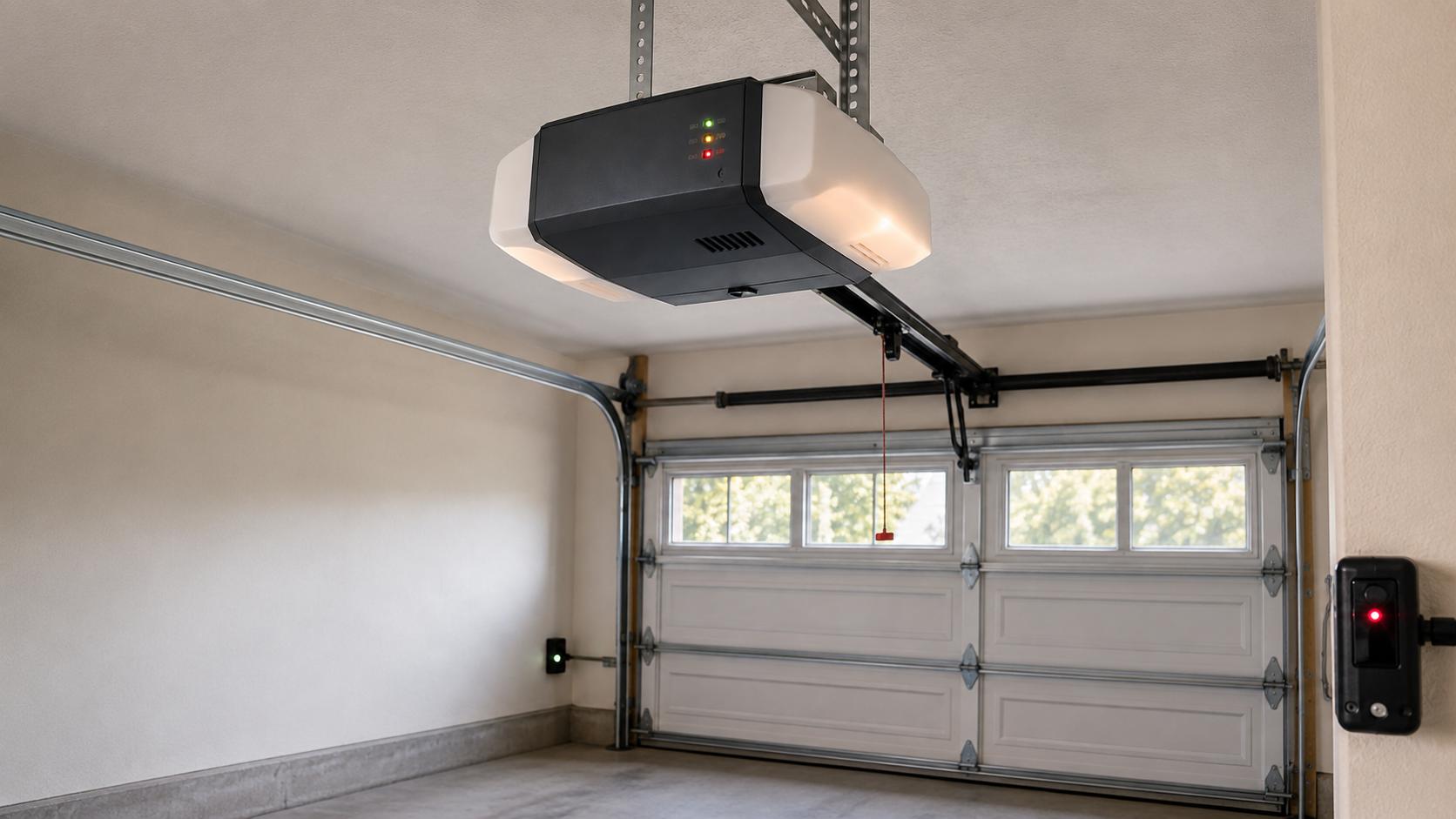
Why Is My Garage Door Light Blinking?
Quick answer: The most common reason a garage door opener light flashes while the door refuses to close is a problem with the safety sensor system. Blocked sensors, misalignment, damaged wiring, control settings, or opener faults can also cause blinking.
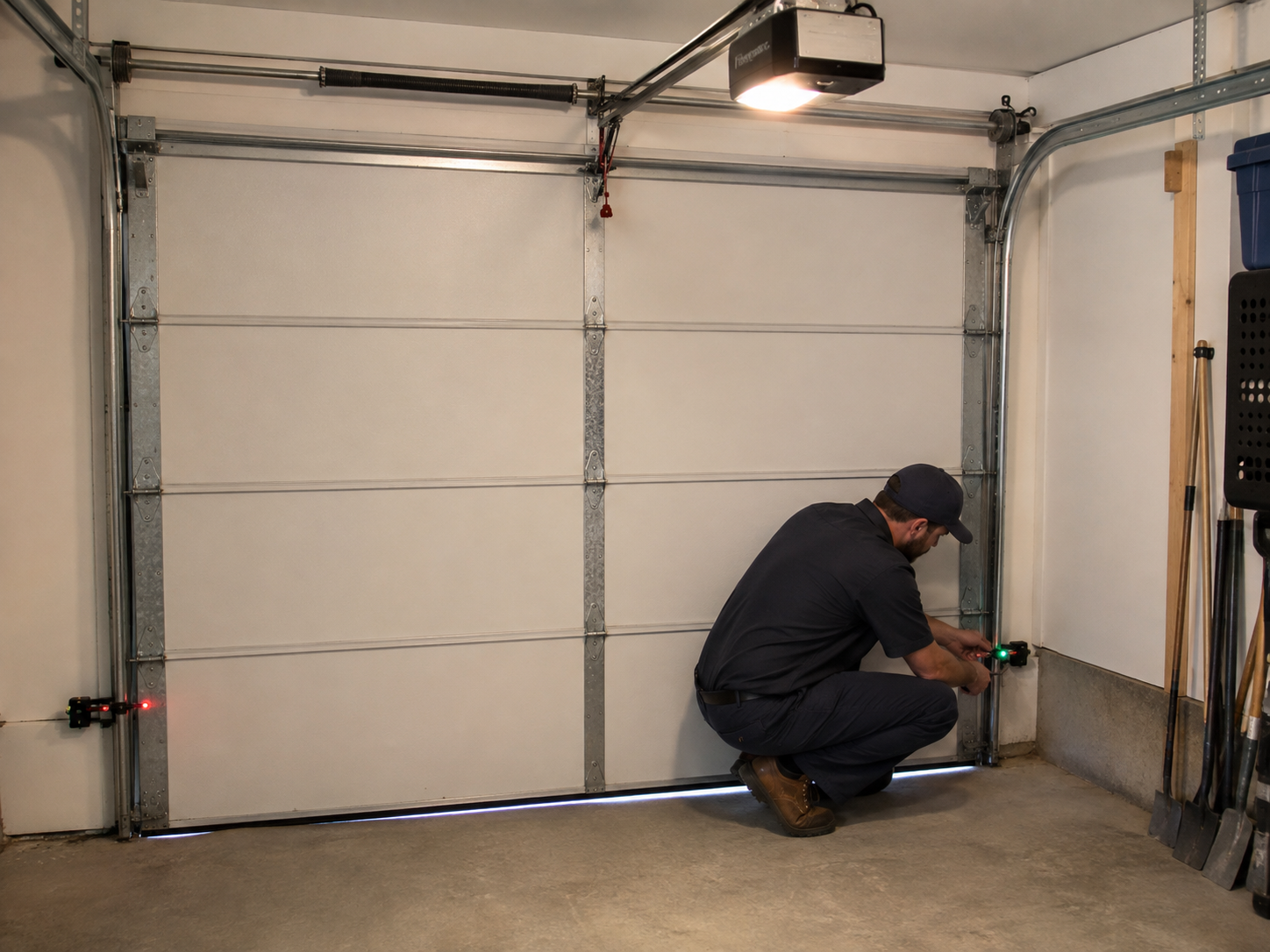
Garage door safety sensors are positioned near the bottom of each side of the opening. They send a beam across the doorway. If that beam is interrupted or the sensors cannot communicate correctly, the opener may prevent the door from closing.
Supreme Garage Door Repair also identifies sensor alignment, damaged wiring, opener controls, and electrical problems as common causes of garage door opener issues.
The first step is determining which light is blinking.
A flashing opener light can indicate a sensor problem, diagnostic code, or another opener fault.
A blinking or missing sensor indicator may point to obstruction, alignment, wiring, or communication problems.
Some wall controls blink when lock modes, programming functions, or other operating settings are active.
Smart openers and accessories may use blinking lights for Wi-Fi setup, connection status, or diagnostic information.
Each can point to a different issue.
Blocked Safety Sensors Can Trigger a Blinking Light
Start by looking at the safety sensors near the floor.
A cardboard box, bicycle, trash can, leaf, spider web, or other object can interrupt the beam between the sensors. The opener may then flash its light and refuse to close the garage door.
Remove anything between the sensors and test the door again.
Check the lenses as well. Dust and debris can interfere with the beam even when nothing obvious is blocking the doorway.
Gently wipe each sensor lens with a clean, soft cloth.
Supreme's guide to garage door sensor troubleshooting covers common symptoms such as blinking sensor lights, a door that reverses, and a door that refuses to close.
Misaligned Sensors Are Another Common Cause
The two safety sensors need to face each other correctly.
A sensor can become slightly misaligned after being bumped by stored items, lawn equipment, a vehicle tire, or regular activity around the garage.
Look at the indicator lights on both sensors. Depending on the opener, a steady indicator may show that the sensors are communicating correctly, while blinking or missing lights can signal a problem.
Important: Do not rely on one specific light color for every opener. Indicator colors and diagnostic patterns vary between manufacturers and models.
If a sensor bracket looks slightly out of position, avoid aggressive adjustments. A small movement may be enough, but persistent alignment problems should be professionally inspected.

What If the Garage Door Light Blinks and the Door Won't Close?
If the garage door light is blinking and the door won't close, check the sensor area first.
A blocked, dirty, damaged, or misaligned safety sensor can prevent the opener from completing the closing cycle. The door may begin moving downward and then reverse, or it may refuse to move at all.
Supreme has a separate guide for situations where the garage door won't close and the opener light blinks .
If clearing and cleaning the sensor area does not solve the problem, stop repeatedly cycling the opener. The system may have a wiring, control, or sensor fault that needs diagnosis.
Do not bypass the safety sensors. The sensor system is designed to help prevent the door from closing when an obstruction is detected.
Damaged or Loose Sensor Wiring Can Cause Blinking
The sensors communicate with the opener through low-voltage wiring.
If a wire becomes loose, damaged, pinched, or disconnected, the opener may interpret the problem as a safety-system fault.
You can visually inspect exposed sensor wiring for obvious damage. Look for loose wires, cuts, crushed sections, or wiring that appears to have been pulled from a sensor.
Safety note: Avoid attempting electrical repairs if you are unsure how the system is wired.
A technician providing garage door opener repair can test the sensors, wiring, wall controls, circuit boards, and other opener components to identify the actual fault.
Sunlight Can Sometimes Interfere With Garage Door Sensors
Bright sunlight can occasionally interfere with a safety sensor's ability to receive the beam from the opposite sensor.
You may notice that the garage door has trouble closing at a particular time of day but works normally later.
This can make the problem seem random.
If the door consistently acts up when strong sunlight reaches one sensor, mention that pattern during service. It can help narrow down the cause.
Do not cover or disable the sensor in a way that prevents it from detecting obstructions.
A Blinking Wall Control May Mean Something Different
Not every blinking light points to the safety sensors.
Some wall controls and smart garage door systems have lights that indicate lock modes, programming functions, Wi-Fi setup, or other operating states.
For example, a remote may stop working while the wall button still operates the door if a lock function has been activated.
Because wall-control indicators vary by manufacturer, check the instructions for your specific opener model before resetting or changing settings.
If the light began blinking unexpectedly and you cannot identify the setting, professional diagnosis can prevent unnecessary reprogramming or parts replacement.
Power Problems Can Affect the Garage Door Opener
Power interruptions can also create unusual opener behavior.
If your garage door opener recently lost power, experienced a tripped breaker, or stopped working during an outage, the system may need to restore its normal operating state.
Check whether the opener is securely plugged in and whether other electrical devices in the garage have power.
Safety note: Do not open the motor housing or work on internal electrical components.
If lights continue flashing after normal power has been restored, the opener may have an electronic, wiring, or control-board issue.
Does the Number of Blinks Matter?
Yes. On many garage door openers, a specific flashing pattern acts as a diagnostic code.
However, the meaning is not universal.
A certain number of flashes on one LiftMaster, Chamberlain, Genie, Craftsman, or other opener may indicate something different on another model.
Best approach: Count the flashes and note whether they repeat. Then check the owner's manual or manufacturer documentation for your exact opener model.
This is more reliable than assuming every blinking garage door light means the same thing.
If you cannot identify the code, provide the opener model and blinking pattern to a garage door technician. That information can make troubleshooting easier.
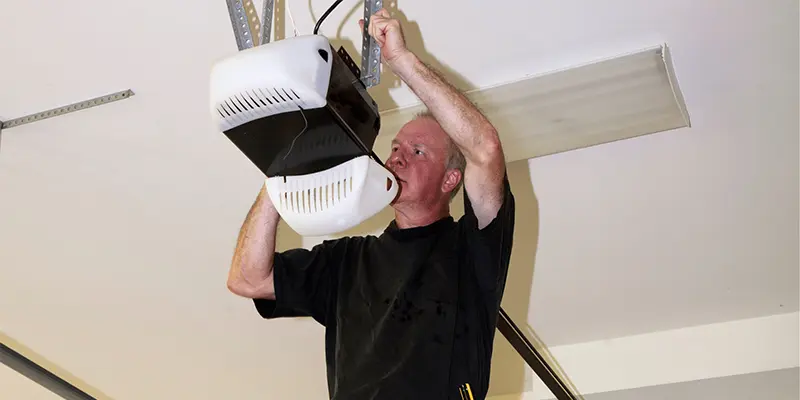
Can I Fix a Blinking Garage Door Light Myself?
Some basic checks are safe for most homeowners.
- Remove objects from the safety sensor path
- Gently clean the sensor lenses
- Observe the sensor indicator lights
- Confirm the garage door opener has power
- Look for obvious visible sensor or wiring damage
- Count and record any repeating blink pattern
Avoid: Working on internal opener electronics, damaged electrical wiring, springs, cables, or other high-tension garage door components. Do not bypass safety sensors or repeatedly force a door that keeps reversing.
If the blinking light continues after simple checks, schedule a complete garage door repair inspection instead of replacing parts based on guesswork.
When Should You Call a Garage Door Professional?
Professional service is appropriate when the blinking continues after the sensor path has been cleared and the lenses have been cleaned.
You should also arrange an inspection if the door repeatedly reverses, stops unexpectedly, will not close, responds inconsistently, or has visible wiring or sensor damage.
Stop using the door if it becomes crooked, comes off track, has a damaged spring or cable, or appears unstable.
A blinking light alone may indicate a relatively small opener issue. A blinking light combined with abnormal door movement can point to a wider garage door problem.
Conclusion
A garage door light blinking is usually the opener's way of indicating that something needs attention. Safety sensors are a common starting point, but wiring, wall controls, power interruptions, diagnostic settings, and opener components can produce similar symptoms.
Start with safe checks such as clearing the sensor path, cleaning the lenses, confirming the opener has power, and observing which light is blinking. If the problem continues, the door repeatedly reverses, or its movement becomes abnormal, a complete inspection can help identify the actual cause without replacing parts based on guesswork.
Garage Door Light Still Blinking?
Get professional troubleshooting for garage door sensor, opener, and blinking-light problems throughout Dallas-Fort Worth.
Schedule Garage Door Service